iPhone
iOS 16 and later
You can download it from the App Store. Sign in with Apple in a single tap.

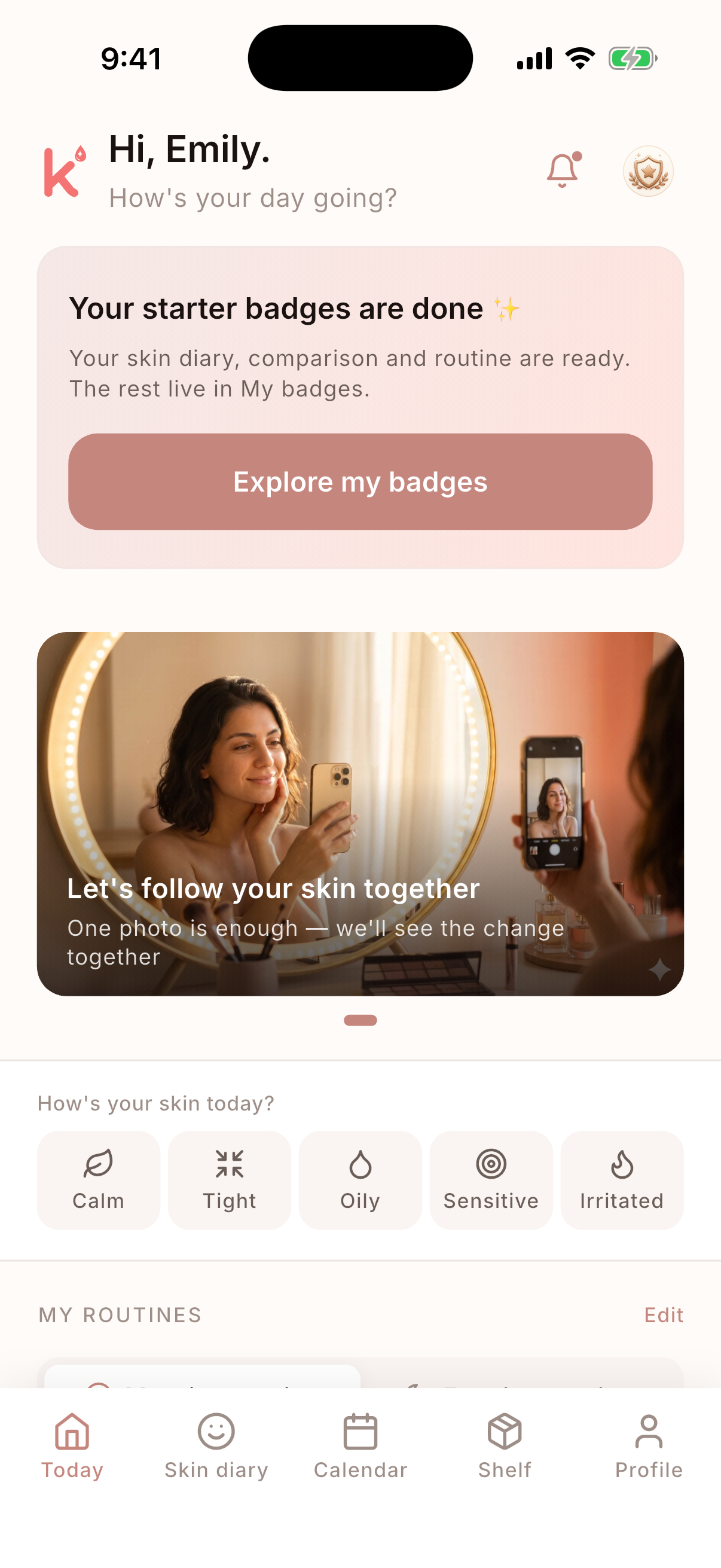
Kuzi is on iPhone and Android. Download it from your store, open your account, and in a few minutes your routine is ready.

The download is free; you start with a free trial. After that it continues as a subscription, and you can cancel anytime.
iOS 16 and later
You can download it from the App Store. Sign in with Apple in a single tap.
Android 8 and later
You can download it from Google Play. Sign in with Google and let Kuzi handle the rest.
A short, easy onboarding. Not a form, a conversation. "Tell me, what are you into?"
From the serum on your shelf to your cream — tell Kuzi in a few taps. Once we know the opened date and how often you use it, the rest is automatic.
Drag and drop your morning and evening steps. Your streak starts at the end of the first day.
I remind you based on how often you use each product, I let you know before the shelf life runs out, I don't judge the days you skip.
Kuzi works with a subscription; you start with a free trial. You manage your subscription (renewal, cancellation, refunds) from your Apple or Google account. When you download through the App Store or Google Play, that store's terms of use also apply.